ProductivityTools
Why All-in-One Tools Beat Using 10 Different Apps for One Project
4 min read
You have a task board in one app, notes in another, files in a third, and chat in a fourth. Here is why that setup is silently killing your productivity.
The 10-Tab Problem
Open your browser right now and count the tabs. If you are working on a project, chances are you have a task board, a notes app, a file manager, a calendar, a chat tool, and probably a couple of Google Docs open for good measure.
Each one of these tools is good at its job. But together? They create a mess. Your work is scattered across platforms that do not talk to each other. You spend more time navigating between tools than actually doing the work.
Context Switching Has a Real Cost
Every time you jump from one app to another, your brain has to reload context. Where was I? What was I looking for? What was the task again?
Even if the switch feels quick, your brain is burning energy in the background trying to catch up. Each switch costs you more focus than you think. Do that 15 times a day and you have lost hours without realizing it.
This is not a discipline problem. It is a setup problem. When your work lives in 10 places, switching is unavoidable.
Information Gets Lost Between Tools
Here is a common scenario. You create a task in your board app. You write notes about it in your notes app. You save a reference image in your file manager. You discuss it in your chat tool.
Now try finding all of that information two weeks later. Good luck. You will spend 10 minutes searching across four apps to piece together what you already figured out once.
When everything lives in one place, the task, the notes, the files, and the conversation are all connected. You click on a task and everything related to it is right there.
You End Up Managing the Tools
The irony of using many tools for productivity is that managing the tools becomes a task in itself. You need to keep them in sync. You need to remember which tool has which information. You build elaborate systems of links and bookmarks just to hold it all together.
At some point you realize you are spending more energy organizing your tools than organizing your actual project. That is a sign something needs to change.
One Place, Less Overhead
An all-in-one workspace is not about having fewer features. It is about having those features in one place so they work together naturally.
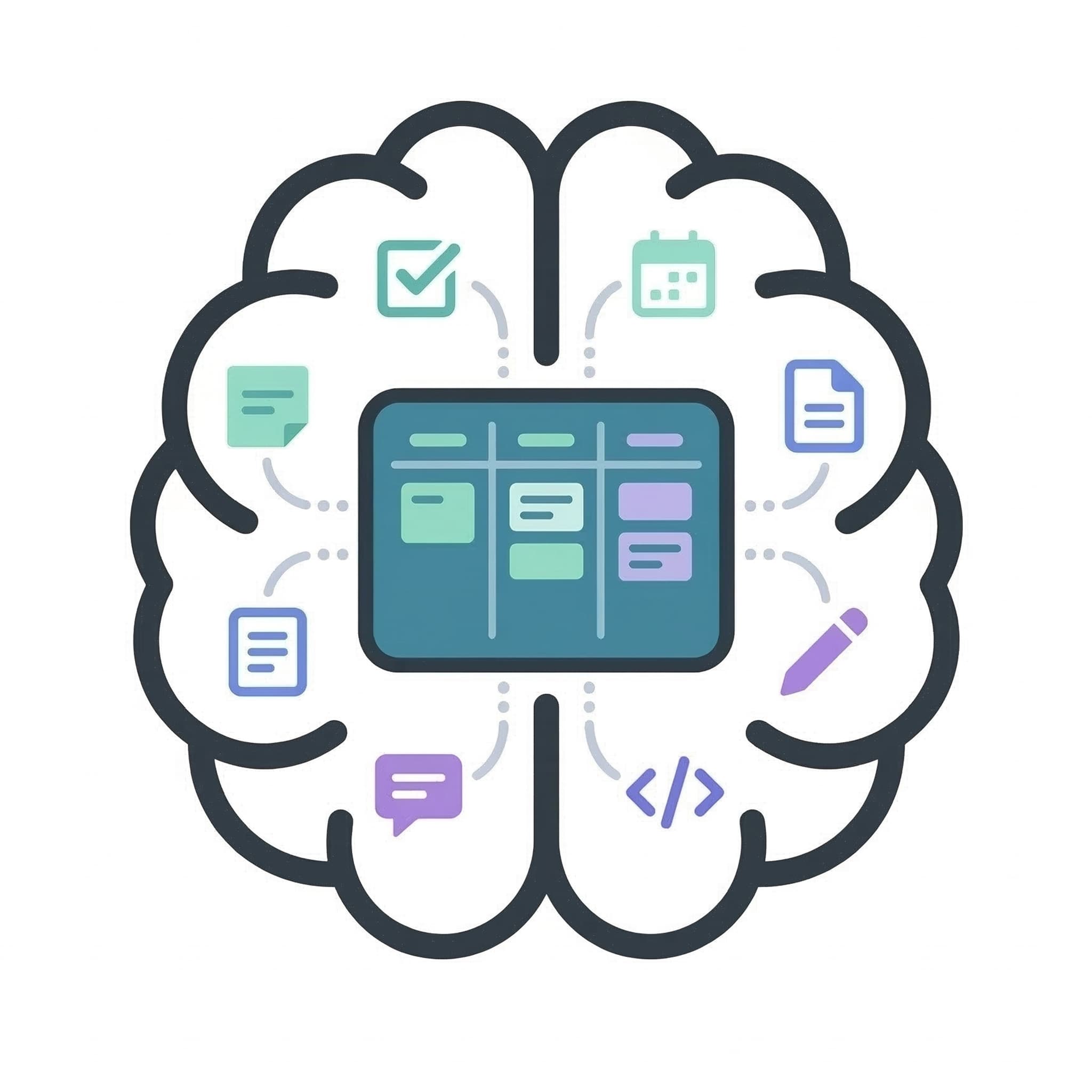
Your tasks, notes, files, calendar, progress tracking, and team chat should all live inside the same project. When you update a task, the activity log captures it. When you write a note, you can link it to a task. When you upload an image, it is already associated with the right project.
No syncing. No linking. No copying and pasting between apps. Just open your project and everything is there.
The best tool is the one you do not have to think about. And when all your work is in one place, the tool disappears and you can focus on what actually matters, the work itself.
Ready to ship your next project?
IndieDevBoard gives you Kanban boards, progress tracking, notebooks, and everything you need — all in one place.
Get Started Free